
AVG Cleaner – Storage Cleaner
AVG Cleaner scans, detects, and removes all unnecessary content to optimize the performance of your device.

Safe & Secure
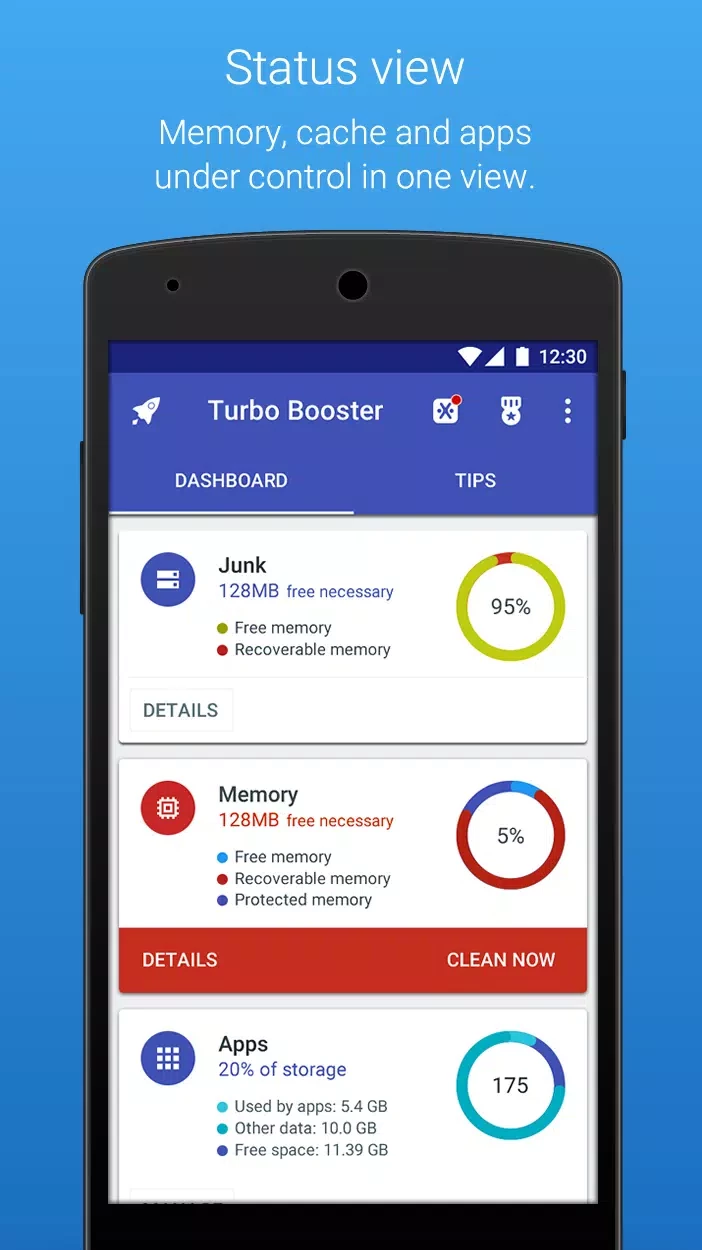
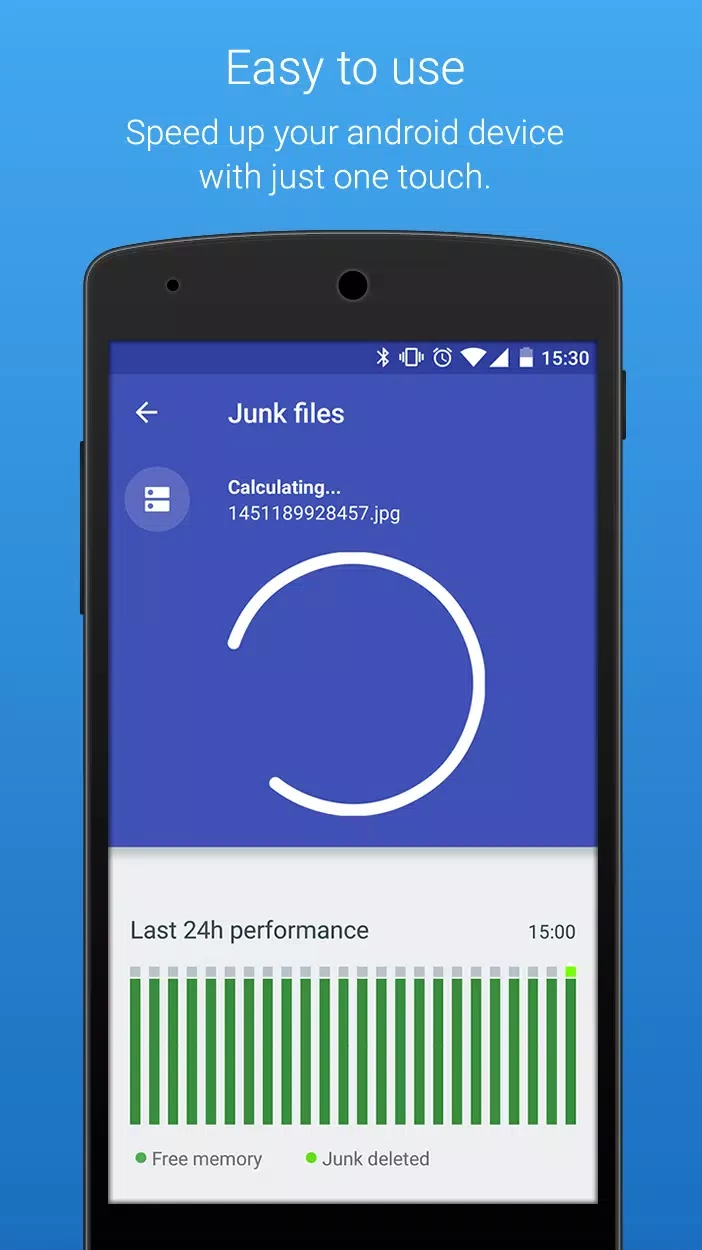

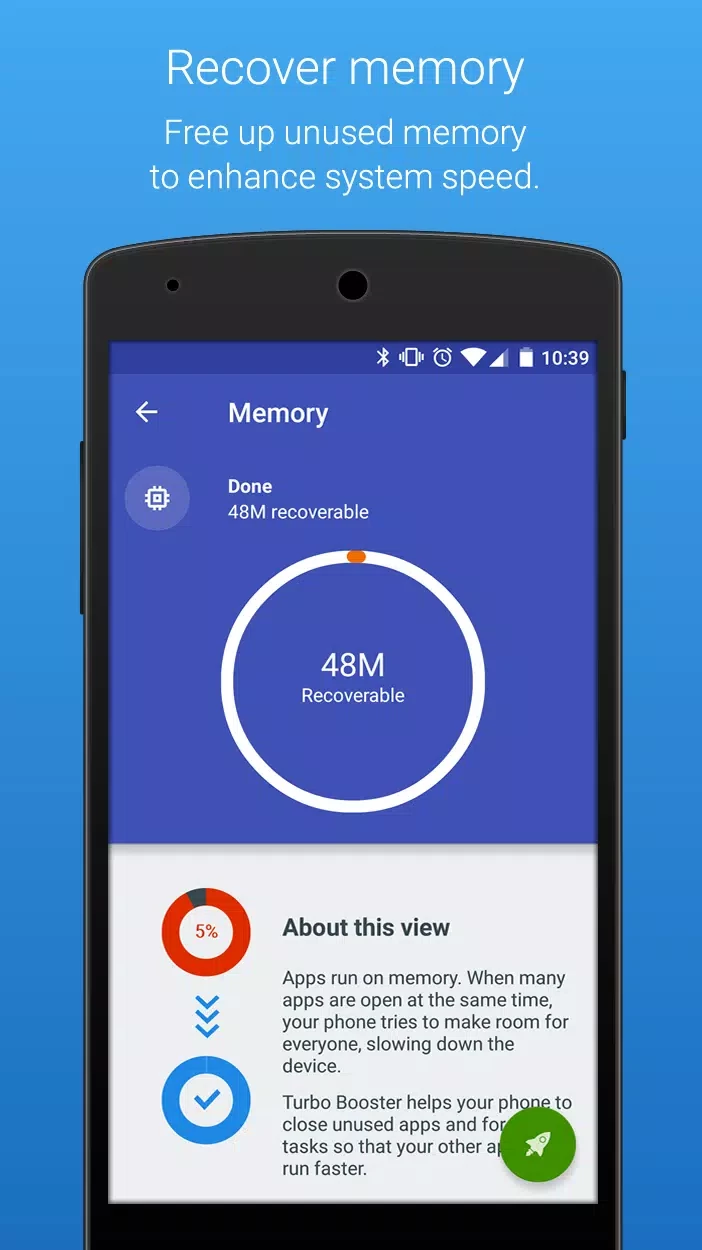
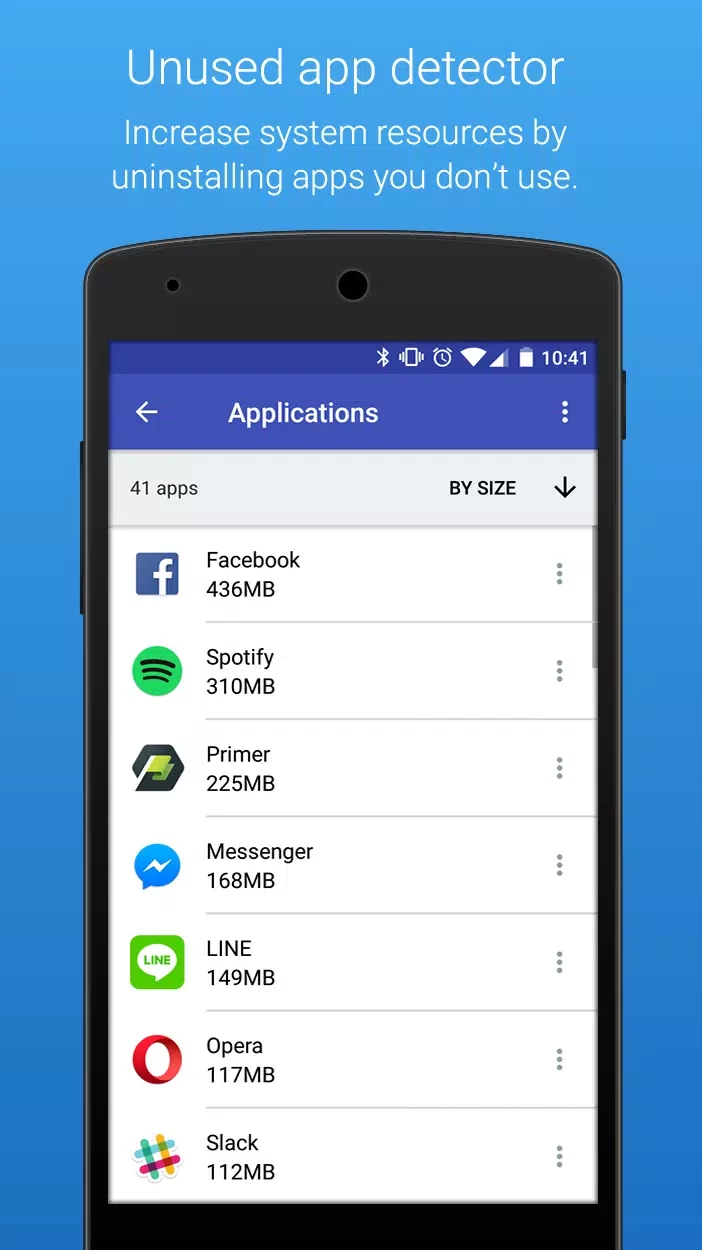
Turbo Booster is an all-in-one software that helps to clean, optimize, and speed up your Android phone. It very quickly detects and deletes unwanted junk material from your device, freeing up RAM memory for other important tasks. It runs in the background to manage your device’s performance without interfering with our other important activities.
The one-tap cleaner is an effective and easy-to-use utility that facilitates app management to reclaim your precious disk space. It offers free of cost services, and doesn’t demand any hidden charges; however, it contains advertisements that can create irritation.
Turbo Booster is a simple yet effective program that offers a one-tap cleaner to reclaim the disk space and enhance the performance of your Android mobile or tablet as well. It is developed by Softonic International SA and falls under the Utilities & Tools category.
The comprehensive app with a user-friendly interface offers real-time notifications to inform you about the phone’s performance, and saves battery life, memory, processor, and other system permissions for enabling your device to work like a breeze.
The app runs in the background to offer multiple tasks while protecting your precious storage from dormant apps. It reliably eliminates unnecessary apps and files to optimize the performance of your mobile phone. It allows you to handle source-intensive applications or games while making your device smooth and responsive.
The app very smartly scans your device to detect residual files, cache, and other digital junk material on your mobile. It deletes all detected material from browsing activities, app installations, and system use and reliably restores the lost storage. A single tap will scan and kill all unnecessary tasks running in the background.
We install different software on our phone according to our requirements, but along with the necessary installation, multiple unnecessary apps are also installed, or sometimes our required apps aren’t compatible with our phone. These unnecessary apps or other seldom-used apps create a mess and slow down the performance of the phone. The app offers awesome app management tools to manage your apps, as it detects unnecessary apps and removes them with a single click.
In the digital era, we have a lot of social-sharing platforms such as WhatsApp, Telegram, YouTube, etc. Such apps offer a seamless sharing process, and the result is that we have a lot of multimedia content stored in our phone’s storage. Turbo Booster offers an organized approach to managing such media files, and allows sorting and removing all unnecessary and huge files within seconds.
When you click the “Scan” button, it very quickly scans the entire device, detects, and removes all unnecessary material easily. After completing the clearing session, the app offers detailed insights for your ease to know about the amount of cleared storage and memory. In addition, the app also offers automatic cleaning schedules for handling routine maintenance of your device, so no manual intervention is required. You can reliably streamline to your required features while adding a shortcut in the notification bar.
The app helps to enhance the performance of your device, as it removes all types of junk material, kills background running processes, manages multimedia files from social-sharing platforms, and clears cache. It isa one-click platform that very quickly clears the storage and frees up memory for robust speed and improved performance.
Battery draining is one of the main issue that create frustration, so we need a better resource to manage this irritating situation. The app works as a battery optimizer, shutting down all power-draining apps. The insights help to know about the device’s performance, and the app offers silent auto-operations as well as notifications whenever your device needs a re-optimization process.
The user interface is uncluttered and minimalist, and offers quick navigation without any hassle of complex configurations. The interface has large accessible buttons, but there is no informative help section available. It can create confusion, specifically for novices, as they require some further explanation about the working and benefits of the app.
Pros
Cons
